Everything Study OS can do
From the moment you add your notes to the day of the exam: organise, understand, practise and keep track — with Sage at your side.
Features marked AI use the API key you add in the app — see AI & keys. Everything else works without one.
Your notes, turned into a course
Make a subject for each course or topic, then add your material. Each subject keeps its own colour, concepts, flashcards, notes and chat.
- Add PDFs, pasted text or web links — and open your originals any time
- Concepts, flashcards and practice questions generated from your material AI
- Ask questions about a subject and get answers that cite your own notes AI
- Search everything in a subject by meaning, not just keywords
- Make PDFs from a subject: study guides, revision notes, summaries, formula sheets, worksheets, flashcards and practice exams
- Your own notes, right next to your material
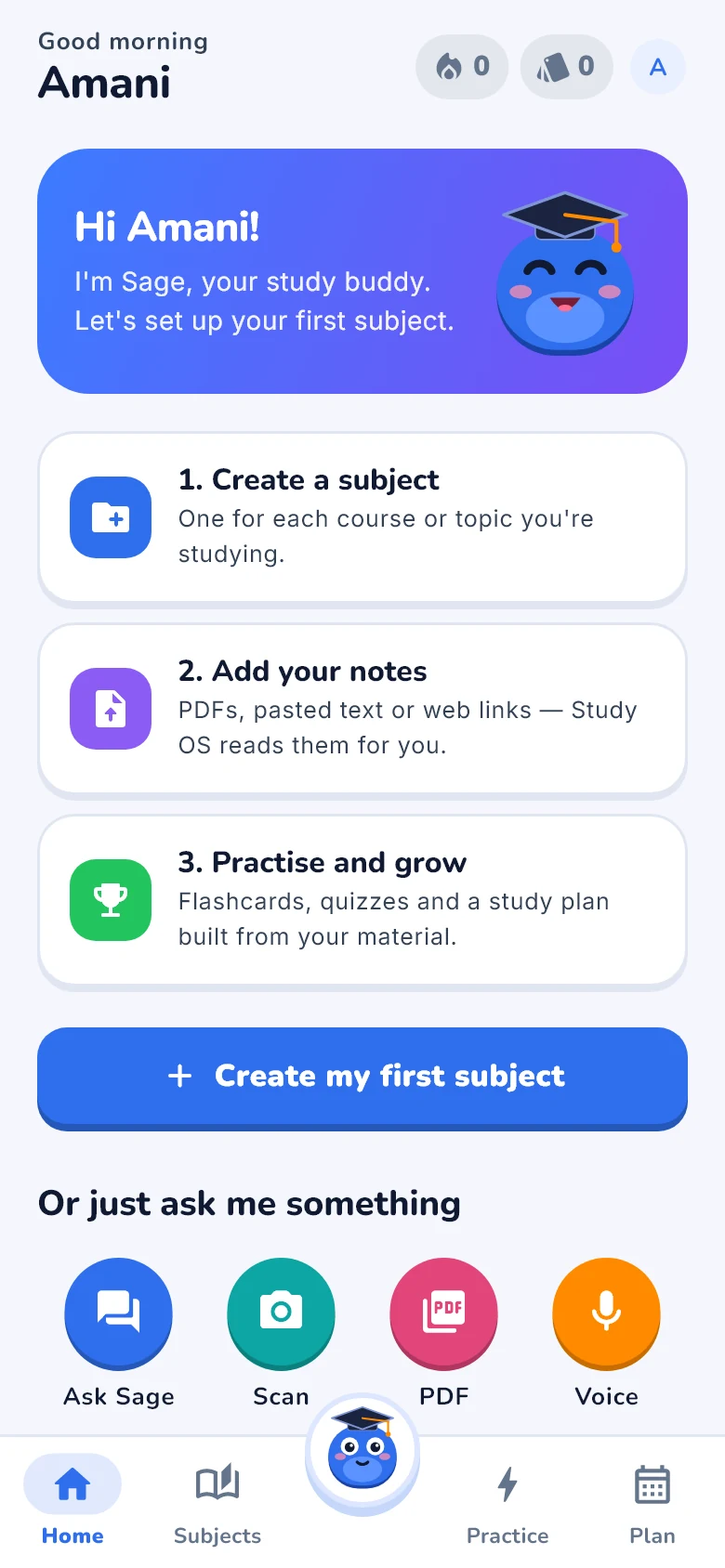
Ask anything — any way you like
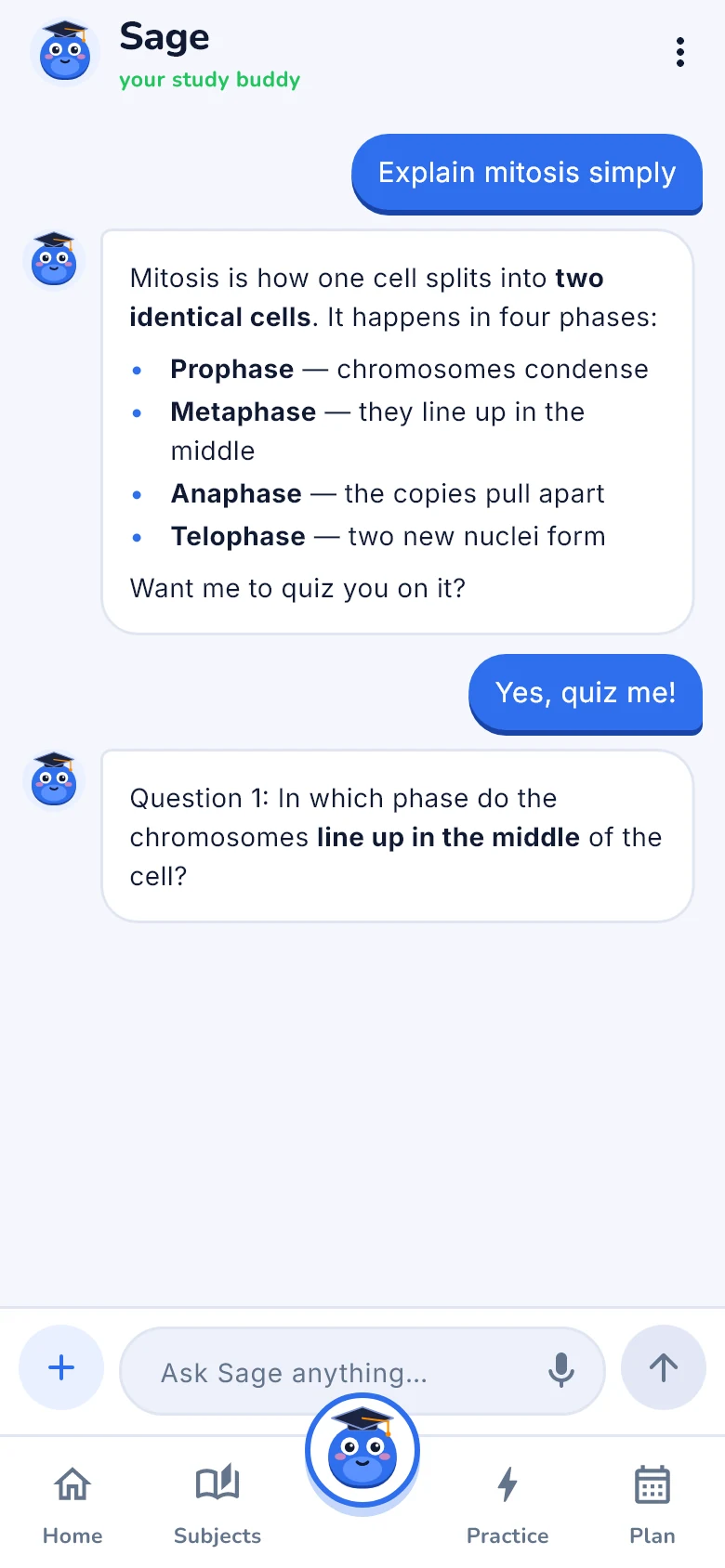
Sage is your study buddy: he explains, works through problems with you, and checks you’ve understood.
- Photos: printed text, handwriting, maths, tables, graphs and diagrams
- PDFs, voice notes and web links — Sage reads, listens and fetches
- Maths: solve, simplify, differentiate, integrate and graph — including interactive graphs and unit conversion
- Explanations, diagrams of processes and quick quizzes AI
- After explaining, Sage asks a quick question to check you got it — or switch to just answers AI
- “Learn more” under any answer: a lesson on it, a quiz, or flashcards AI
- Study guides, practice exams and flashcards as downloadable PDFs AI
- Looks things up on the web when you ask about something current
- Every chat saved on your phone — or turned into a new subject
Practice that actually sticks
Study OS tracks your mastery of every concept and brings things back right before you’d forget them.
- Lessons on any topic: Sage teaches in short steps, checks each one with a question, and turns the recap into flashcards AI
- Flashcards scheduled with FSRS spaced repetition — rate each one Again, Hard, Good or Easy
- Quizzes with ten kinds of questions, plus an exam mode that gives feedback only at the end
- Written answers and essays graded with feedback AI
- A mastery score for every concept, and a heads-up when you keep making the same mistake
Know exactly what to study next
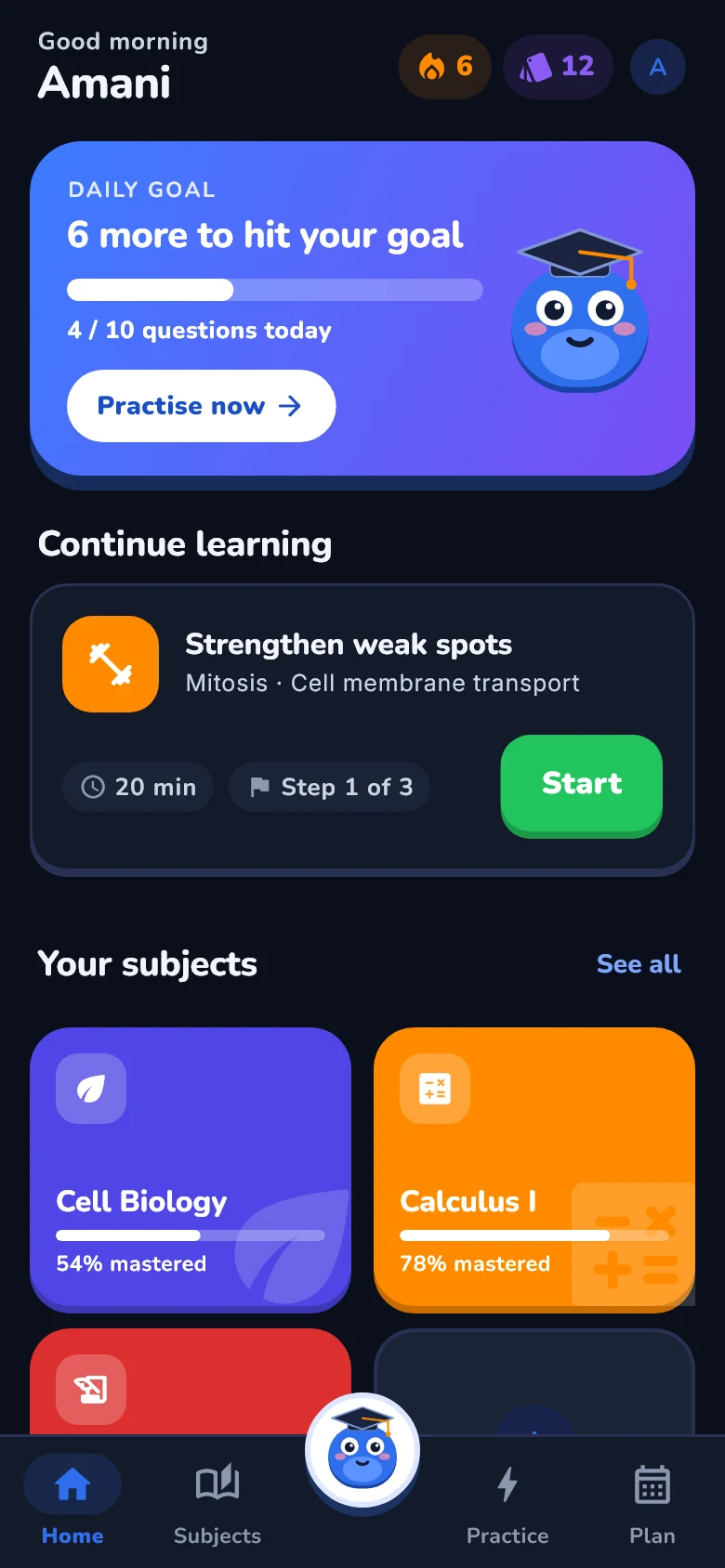
Open the app and your home screen already knows: today’s goal, your streak, cards due, and the topics that need you most.
- A daily goal and a study streak to keep you going
- A study plan built around your weakest concepts, with one tap to start
- Goals with target dates, and study sessions on a calendar
- A progress screen with your strongest and weakest topics
Sage adapts to how you learn
Your kind of tutor
Set Sage’s tone, how much detail he gives, how much he challenges you, how he teaches — even how funny he is.
He remembers
Tell Sage things to remember about you, and he keeps them in mind in every chat. You can see and remove them any time.
A guided start
The first time you open the app, Sage walks you through every part of it. Replay the tour from Profile whenever you like.
Light and dark
Follows your phone’s setting, so late-night revision is easy on the eyes.
Your storage, your call
Chat pictures and PDFs can be saved on your phone — only if you say yes, with the space used shown in Profile.
Leave any time
Delete your account from Profile and everything goes with it. Read the Privacy Policy.
Ready to study smarter?
Download Study OS, sign up, and Sage will show you around.